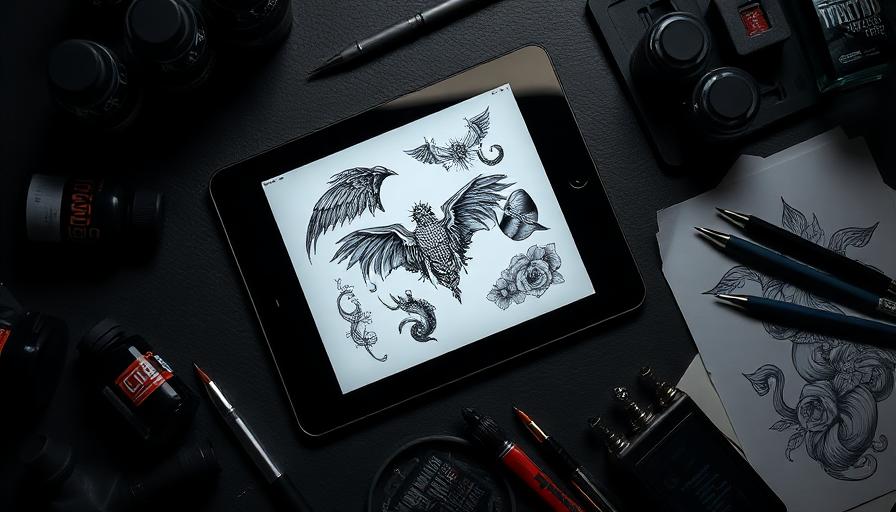
Why AI Tattoo Generators Changed Everything
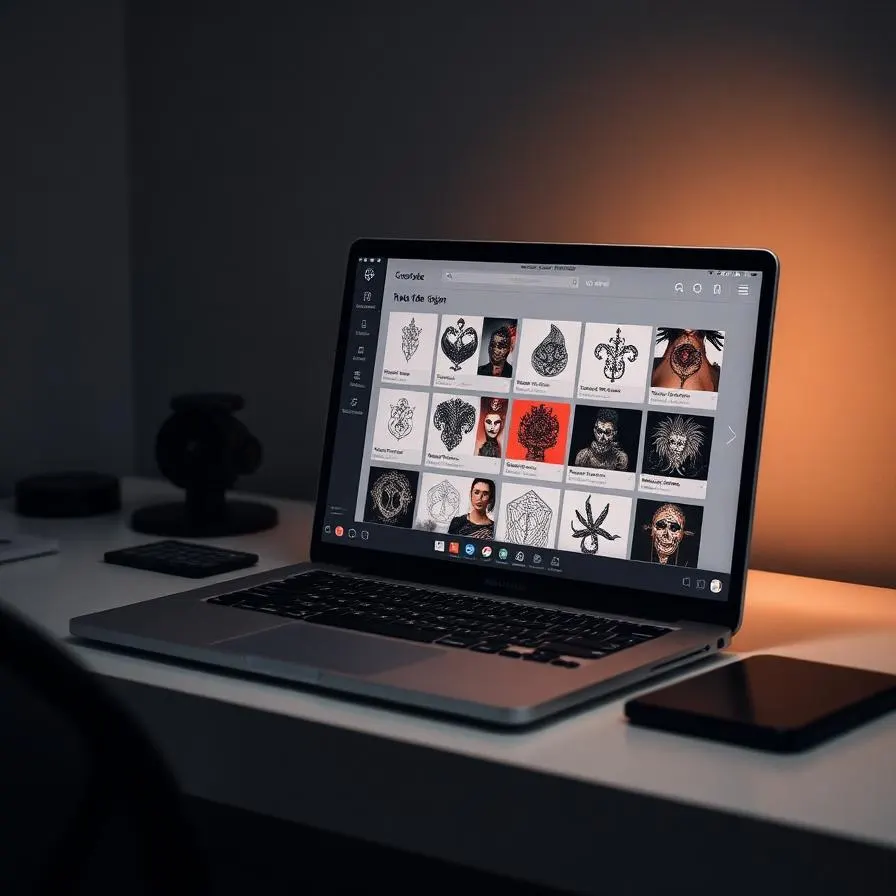
Five years ago, getting a custom tattoo started with a Pinterest board, weeks of back-and-forth with an artist, and a $100 deposit just to see a sketch. AI tattoo generators have collapsed that timeline from weeks into seconds. You type what you want, you see it, you iterate until it is right, and only then do you book a chair. The result is a healthier creative process: you walk into the studio knowing exactly what you want, and your artist gets to focus on what they do best — refining and applying the design.
But not every tool is built for tattoos. Many are repurposed image generators with a tattoo style preset bolted on. The best dedicated AI tattoo generators understand tattoo-specific requirements: clean linework, stencil readiness, anatomy that wraps believably around a body, and the limits of how ink behaves in skin. This guide is the result of weeks of hands-on testing across the leading platforms in 2025, evaluating them not on marketing copy but on the only thing that matters — the designs they actually produce.
How We Evaluated Every Tool
To make this comparison useful instead of generic, we judged each generator against five concrete criteria. Image quality is the foundation — sharp lines, clean edges, and consistent shading. Style accuracy measures whether a request for fine line, traditional Japanese, or watercolor actually returns that style or a generic approximation. Tattoo realism covers anatomy and stencil readiness — does the design look like something a real artist could ink, or does it dissolve into noise when you zoom in?
Customization options matter for control: aspect ratio, color vs. black ink, reference uploads, and prompt enhancement. Finally, value combines pricing, free credits, and what you get for your money. We ran the same six prompts through every tool and graded the outputs blind, so brand familiarity didn't bias the results.
The Six Test Prompts
We used the same set of prompts for every platform: a fine-line wildflower bouquet, a geometric wolf with mountains, a small minimalist wave for the wrist, a traditional Japanese koi sleeve, a black-and-grey realism portrait of a lion, and a watercolor hummingbird. This mix covers the most-requested tattoo styles and stresses the model on linework, color, anatomy, and composition.
The Top AI Tattoo Generators in 2025
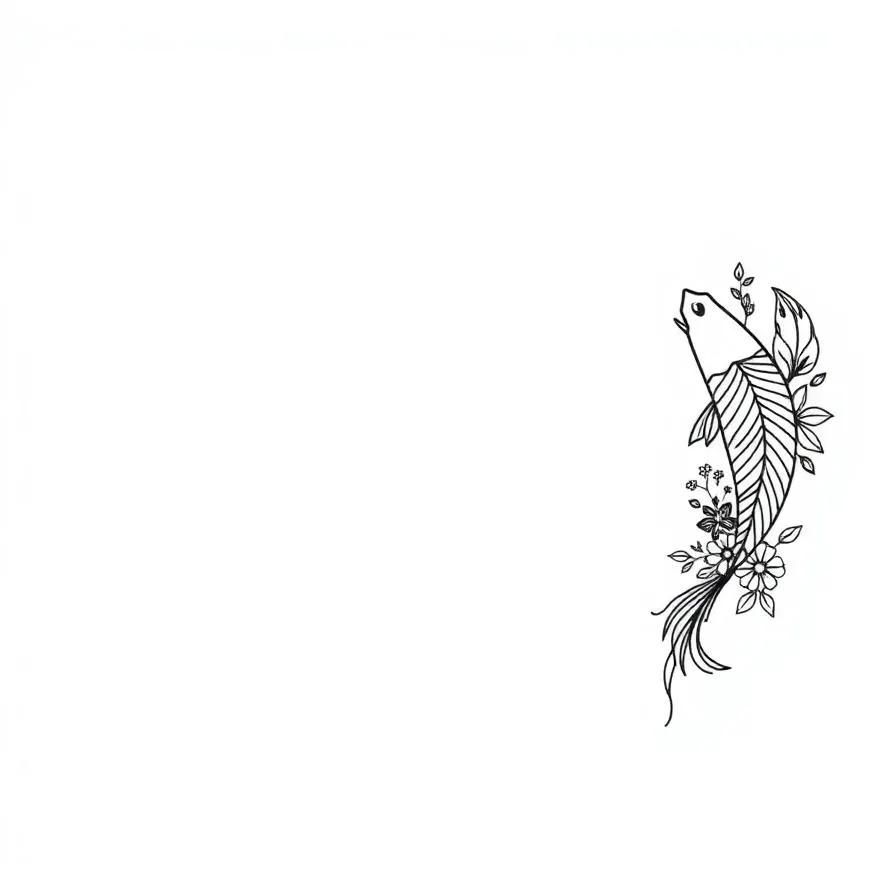
After testing more than a dozen tools, five stood out as worth your time. Each has strengths and weaknesses; the right one depends on your style preference, budget, and how much control you want over the output.
1. Tattoosphere — Best Overall for Real Tattoo Designs
Tattoosphere is purpose-built for tattoos and it shows. The platform offers 20+ dedicated tattoo styles, from fine line and minimalist to Japanese irezumi and neo-traditional, and the outputs feel like real tattoo flash rather than generic AI art. What sets it apart is the workflow: you can generate, iterate, refine the prompt with AI assistance, switch between standard and advanced models, and then preview the design directly on a photo of your own skin. Stencil-ready exports and reference image uploads round out a feature set built for people who actually plan to get inked.
Pricing starts free with daily credits, and paid plans scale with how many designs you need per month. For a complete walkthrough of how to use it for your first piece, see our guide on designing your first tattoo with AI.
2. BlackInk AI — Strong for Bold Blackwork
BlackInk AI focuses heavily on black ink styles — blackwork, dotwork, and traditional. If your taste leans toward bold, high-contrast designs, the outputs are excellent. The trade-off is style breadth: requests for watercolor or color realism returned weaker results in our tests. Pricing is competitive, and the interface is clean, but you'll get less flexibility than a more general-purpose tool.
3. InkHunter — Best for AR Skin Preview
InkHunter started as an AR app for previewing existing designs on your skin and has since added AI generation. The AR preview is genuinely impressive — you point your camera at your forearm and the design tracks your skin in real time. The AI generation itself is solid but not class-leading. We recommend it as a secondary tool for visualizing designs you generated elsewhere.
4. Midjourney With Tattoo Prompts
Midjourney can produce stunning tattoo concepts if you know how to prompt it. The catch is that it is a general image generator, so you have to wrestle with prompt engineering to get tattoo-appropriate output: clean white backgrounds, no shading bleed, no extra fingers. Power users love the flexibility; first-timers usually find it frustrating compared to a dedicated tool.
5. Stable Diffusion (Self-Hosted)
If you are technical and patient, fine-tuned Stable Diffusion checkpoints can rival anything on this list — for free, on your own hardware. The barrier to entry is steep: you need a capable GPU, you need to find good tattoo LoRAs, and you need to learn the tooling. For 99% of people, this is overkill.
Style Accuracy: Which Tool Wins for Each Aesthetic?
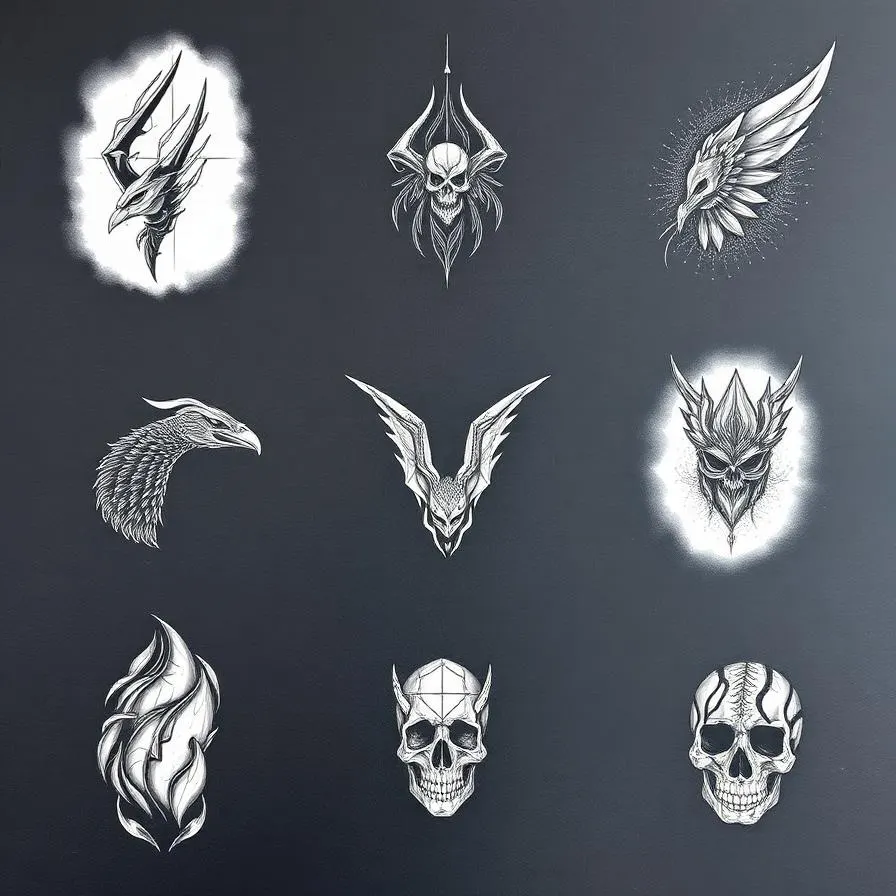
Style accuracy was the single biggest differentiator in our testing. A generator can produce a beautiful image, but if you asked for fine line and got something that looks more like a sketch, that is a failure. Here is how the leaders broke down by style. For minimalist and fine line work, Tattoosphere produced the cleanest, most stencil-ready linework. For traditional Japanese irezumi, Tattoosphere and Midjourney tied — both captured the bold outlines and characteristic color palette. Blackwork and dotwork went to BlackInk AI by a hair. Watercolor and realism were both won by Tattoosphere thanks to its dedicated style models.
If you want to explore what each style actually looks like before deciding what to generate, browse our complete guide to tattoo styles for visual references and history.
Pricing: What You Actually Pay
Pricing across the industry has settled into a credit-based model: you pay per generation, and higher-quality models cost more credits. Most platforms offer a free tier so you can test before committing. Tattoosphere offers free daily credits with paid plans starting around $9/month for casual use and scaling up to professional plans for artists. BlackInk AI uses a similar model. Midjourney requires a subscription starting at $10/month with no permanent free tier. Self-hosted Stable Diffusion is free in cash but costs you a GPU and your time.
When comparing prices, look beyond the headline number: how many credits per design, do failed generations count against you, and can you refine for free or do iterations cost extra? Tools that charge for every iteration get expensive fast when you are still finding your concept.
Stencil Readiness and Working With a Real Artist
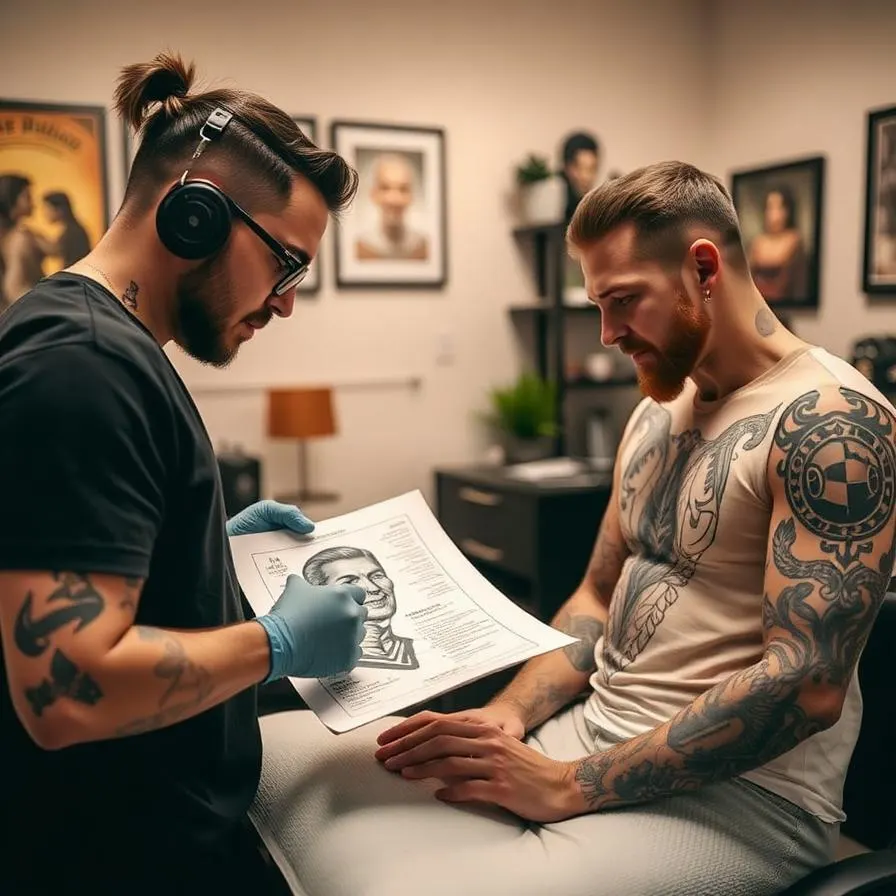
An AI design is only useful if a tattoo artist can actually ink it. Stencil readiness — clean black outlines on a white background, no busy shading that won't translate to skin — is where many general AI tools fall short. Tattoosphere and BlackInk AI both offer dedicated stencil exports. Midjourney and general models require manual cleanup in Photoshop or Procreate before your artist can use them.
Even with a stencil-ready file, treat the AI output as a starting point, not a final tattoo. A good artist will refine the design for the specific anatomy of where you are placing it, adjust line weights for longevity, and make sure colors will hold up over years. Bring the design as inspiration, share what you love about it, and trust your artist's judgment on the final execution.
Common Pitfalls When Using AI for Tattoos
After hundreds of test generations, the same mistakes kept tripping people up. The first is over-detailing. AI loves to add intricate filigree and fine textures that look amazing on screen but blur into mush after a year on your skin. The second is ignoring placement. A design that works as a square image may need entirely different proportions when wrapping around a forearm or tucking into a collarbone. The third is settling for the first generation. The whole point of AI is rapid iteration; if your first output feels 80% there, it is worth five more attempts to get to 100%.
Prompt Like You Are Briefing an Artist
Generic prompts produce generic output. Instead of "wolf tattoo," try "geometric wolf face with mountain range silhouette inside, fine line style, black ink only, white background, designed for the inner forearm, 5 inches tall." The more specific you are about style, composition, color, and intended placement, the better the result.
What's Next for AI Tattoo Design
The pace of improvement in 2025 has been staggering. Models are getting better at understanding tattoo-specific constraints — anatomy that wraps, lines that hold, color palettes that age. Real-time skin previews are becoming sharper and more believable. Expect to see fully integrated workflows where you generate, refine, preview on your skin, and book a session with a vetted local artist all in one app.
The biggest near-term improvement will be personalization. Future generators will learn your aesthetic preferences and suggest variations you would never have thought to ask for. The artist relationship is not going anywhere — humans will always do the actual tattooing — but the design phase will keep getting faster, more collaborative, and more delightful.
Frequently Asked Questions
Ready to Create Your Own Design?
Generate a custom AI tattoo design in seconds — no signup needed to preview.
Related Articles
How to Design Your First Tattoo with AI (Step-by-Step Guide)
A complete, beginner-friendly walkthrough of designing a tattoo you'll love — from concept to ink — using AI as your creative partner.
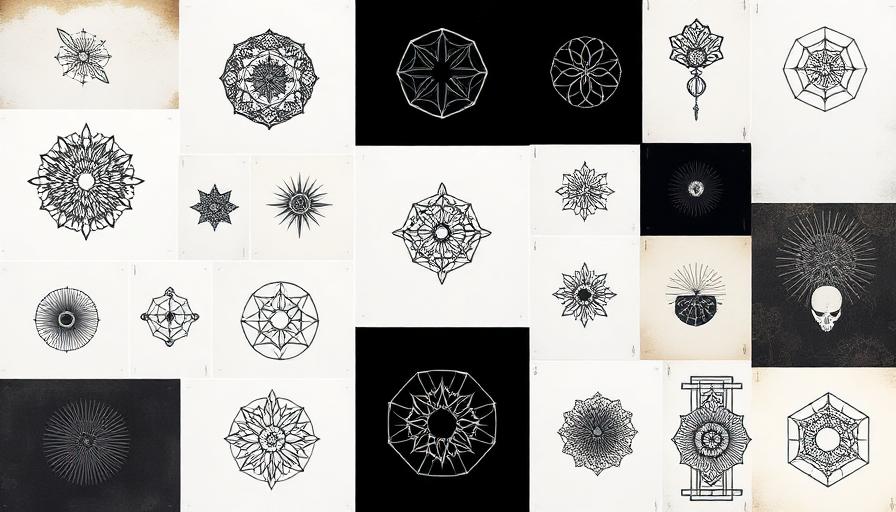
Complete Guide to Tattoo Styles — 10 Major Styles Explained
An honest, in-depth breakdown of the 10 major tattoo styles — their roots, what they look like, what they cost, and how they age.
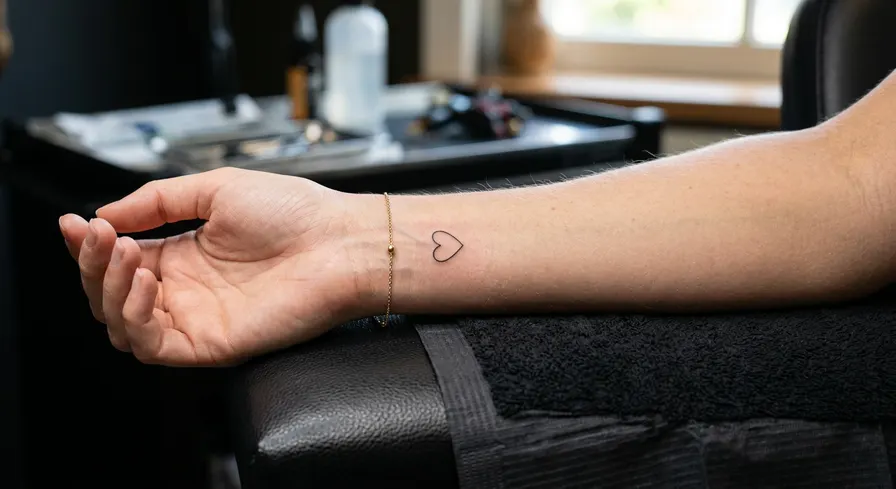
30 Best First Tattoo Ideas for Beginners (2026)
Getting your first tattoo is a major milestone, and this guide provides over 30 beginner-friendly ideas to ensure your first ink is a masterpiece.